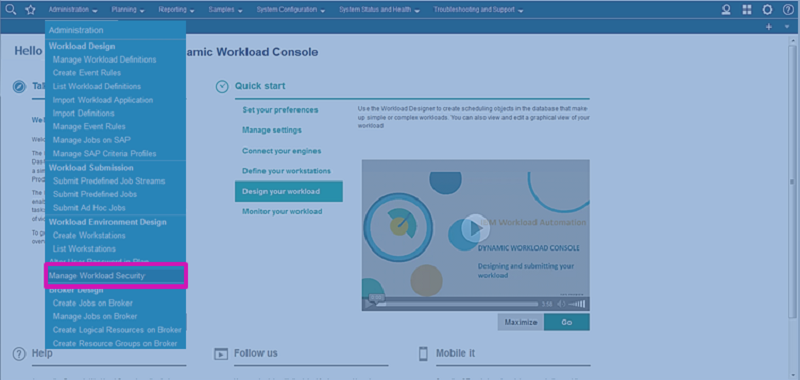
By using the new Manage Workload Security interface from the Dynamic Workload Console, administrators can easily create or modify security settings in the database, according to role-based security model. The same functionality is available by using the composer command line interface. With role-based security model, the security objects that administrators can define are:
- Security roles. Each role represents a certain level of authorization and includes the set of actions that users or groups can do.
- Security domains. Each domain represents the set of scheduling objects that users or groups can manage.
- Access control lists. Each access control list is defined assigning roles to users or groups, on a certain security domain.
Business scenario
Tim works as an IBM Workload Scheduler administrator in a large health care company that provides health benefits and services worldwide. A new health-tracker application, named MyTracker, must be developed inside the company. Tim has to modify the security settings for a group of application developers and provide them with access to objects (such as jobs and job streams) related to the new application. First of all, Tim defines a security domain for the new application from the Dynamic Workload Console. To speed up this task, he chooses to duplicate and modify an existing domain. Tim assigns the domain a name: MyTracker. He then modifies the object filters to identify the objects that match the new application. Secondly, Tim defines a new access control list to assign the role of DEVELOPER to the LDAP group named MyTrackerDev, in the MyTracker domain. The DEVELOPER role and the LDAP group already exist, because they are common to all applications. When Tim saves the new security settings on the master domain manager, they are automatically synchronized with the backup master domain managers, without any manual task or delay.